
Apache 3800
Upper and lower inserts
Arrange each layer separately and export its own STL.
| Insert | Width × length × depth |
|---|---|
| Lower | 376 × 266 × 53 mm |
| Upper | 379 × 269 × 53 mm |
Design a custom 3D-printable case insert in your browser. Arrange supported gear profiles, export an STL, and print it your way.
Design your insert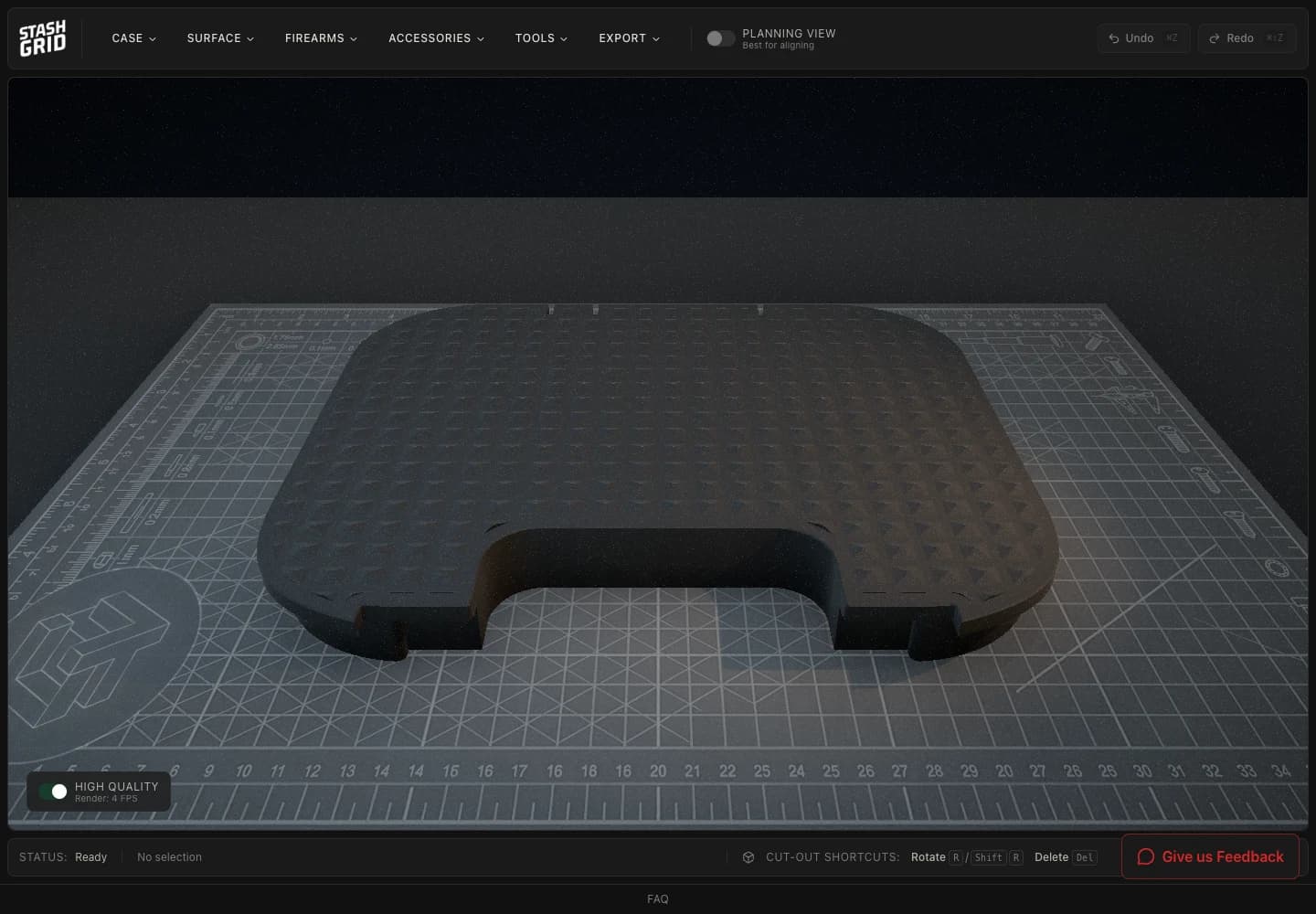
Perspective and planning views keep the source layout visible while you arrange and revise supported profiles.
Three inspection plates follow the real workflow from case selection to an immediate file handoff.
Begin with a supported hard-case profile and its known interior dimensions.
Place, move, rotate, remove, and inspect supported profiles in the browser.
Download the STL immediately, then choose how you slice and print it.
Upper and lower inserts
Arrange each layer separately and export its own STL.
| Insert | Width × length × depth |
|---|---|
| Lower | 376 × 266 × 53 mm |
| Upper | 379 × 269 × 53 mm |
266 × 222 × 26 mm
A supported insert model with an editable gear layout.
271 × 156 × 53 mm
A supported insert model with an editable gear layout.
Dimensions describe the insert models. Physical fit depends on your case, material, and print settings. Compare all supported cases.
Move through the layout digitally before committing time and material to a physical result.
Start from catalogue geometry for supported gear instead of photographing an outline and correcting it by hand.
Use perspective and planning views, then move, rotate, undo, and revise. The layout persists in this browser.
Export the STL when the layout is ready—without entering a quote, proof, fabrication, or shipping queue.
STL download is immediate. Slicing, material choice, printer settings, print time, and the physical result remain your next steps.
Choose a case, arrange supported gear, and keep revising until the layout is ready for your workflow.
Design your insert